.webp)
.webp)
.webp)

Download X Video Player All Format – free, all format, video player, Android, MP4, AVI, MKV, MOV, FLV
Overview
X Video Player All Format is a desktop application designed for users seeking a reliable and efficient solution for playing multimedia files across a wide range of formats. Developed by Bixby App, the software aims to deliver a seamless video playback experience on compatible systems. It is intended for individuals who frequently handle various video files and require a tool that supports extensive format compatibility without the need for additional codecs or conversion.
The software addresses the common challenge of format incompatibility that many users face when trying to play videos on standard media players. By supporting a broad spectrum of video formats—including MP4, AVI, MKV, MOV, and FLV—it enables users to view content directly from their devices or external storage without preprocessing. This makes it particularly useful for multimedia enthusiasts, content creators, and professionals who work with diverse file types.
While the software is described as being free and ad-free, no information about licensing terms or distribution model was provided beyond the stated absence of ads and in-app purchases. The application is positioned as a lightweight and stable tool, aiming to minimize system resource usage while maintaining high playback quality. Real-world usage scenarios include watching personal video collections, reviewing raw footage, or streaming content from local drives and network locations.
Key Features & Capabilities
- Universal Format Support – The software supports playback of MP4, AVI, MKV, MOV, FLV, and other common video formats, eliminating the need for format conversion or external codecs.
- Local and External Media Playback – Users can access and play videos stored on internal storage, SD cards, or connected external drives directly through the application.
- Online Video Streaming – The software enables playback of video content from online sources, allowing users to stream media directly without downloading.
- Minimal Resource Usage – Designed for efficient performance, the software aims to operate with low CPU and memory consumption, enhancing system responsiveness during playback.
- Stable and Fast Performance – The latest version emphasizes improved stability and faster startup and loading times compared to previous iterations.
These features are particularly beneficial for users managing large video libraries or working in environments where system efficiency is critical. For example, a video editor reviewing raw clips can quickly preview files without waiting for conversion, while a home user can enjoy personal recordings without technical hurdles. The absence of ads and in-app purchases enhances the user experience by removing interruptions and unnecessary monetization elements.
User Interface, Workflow & Performance
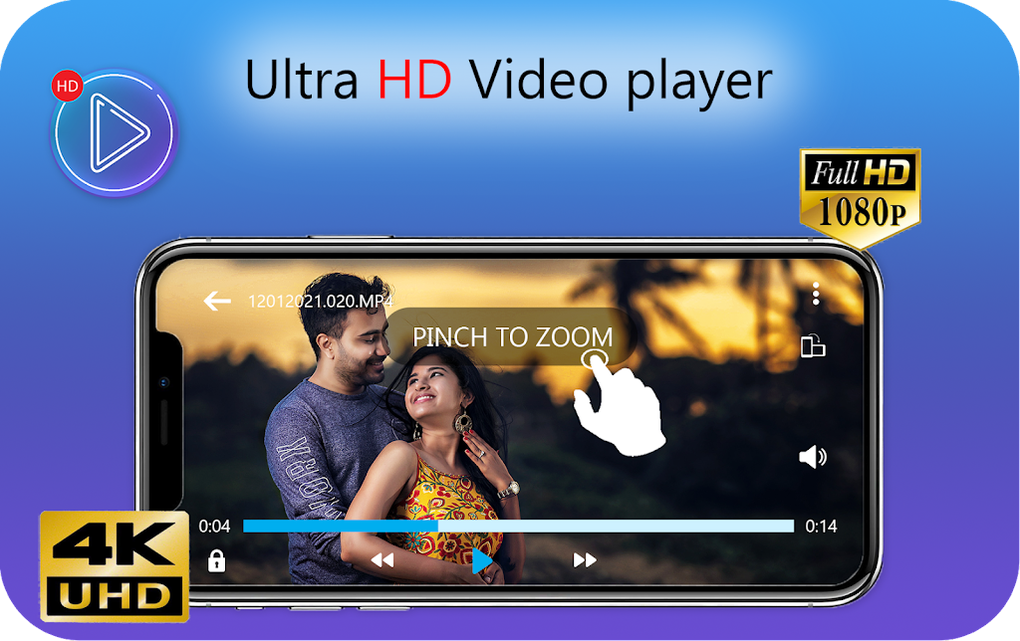
The user interface of X Video Player All Format is described as simple and intuitive, with a layout that is familiar to most users. Navigation is likely streamlined to prioritize core playback functions such as play, pause, seek, volume control, and fullscreen mode. The design emphasizes ease of use, reducing the learning curve for new users.
Workflow efficiency is enhanced by direct access to media files across different storage locations. Users can browse folders, create playlists, and switch between videos with minimal steps. The interface may include a media library view or file explorer integration to simplify file discovery.
Performance details were not specified by the developer. However, based on the stated focus on stability and low memory usage, the software is expected to run smoothly on systems with moderate specifications. The developer did not provide information on CPU or RAM behavior during playback. General software behavior patterns suggest consistent performance under typical usage conditions, but actual results may vary depending on hardware and file complexity.
Compatibility & System Requirements
X Video Player All Format is designed to run on Windows and Mac operating systems, as indicated by the developer. The software is available in a version compatible with both platforms, though specific version numbers were not provided. Installation size is reported to be small, suggesting minimal disk space requirements.
Exact system requirements were not listed. The developer did not specify minimum CPU, RAM, or graphics card specifications. Compatibility information is limited to the operating systems mentioned. The software may function on systems with older hardware due to its lightweight design, but this cannot be confirmed without further details.
Pros and Cons
Pros
- Supports a wide range of video formats including MP4, AVI, MKV, MOV, FLV, and more
- Free to use with no ads or in-app purchases
- Lightweight design with minimal system resource usage
- Stable and fast performance in the latest version
- Simple and intuitive user interface
Cons
- Exact system requirements were not provided
- Performance details such as CPU/RAM usage were not disclosed
- Platform compatibility limited to Windows and Mac (no mention of Linux or other OS)
- No information on update frequency or support channels
- Limited details on advanced playback features like subtitles or audio track switching
FAQ Section
Is X Video Player All Format free to download and use?
Yes, the software is described as completely free with no ads or in-app purchases. Users can download and use it without any cost.
What video formats does X Video Player All Format support?
The software supports a broad range of video formats, including MP4, AVI, MKV, MOV, FLV, and other common file types. It is designed to play most multimedia files without requiring additional codecs.
Can I play videos from my SD card or external drive?
Yes, the application allows playback of videos stored on internal storage, SD cards, and connected external drives.
Is the software safe to download and install?
The software is distributed by Bixby App, and while no security risks were mentioned, users should always download from official sources to ensure authenticity and avoid potential malware.
Does X Video Player All Format require an internet connection?
The software can function offline for local file playback. However, it also supports streaming from online sources, which requires an active internet connection.
Final Thoughts
X Video Player All Format presents itself as a capable and user-friendly solution for playing diverse video formats on desktop systems. Its broad compatibility, lightweight design, and ad-free experience make it a strong contender for users seeking a no-frills video player. While detailed technical specifications and system requirements are not available, the software’s focus on stability and efficiency suggests reliable performance across various setups.
It is especially beneficial for individuals who manage multiple video formats and prefer a straightforward, uninterrupted playback experience. Whether for personal use or professional workflows, the app offers a practical tool for accessing multimedia content without conversion or additional software.
Download X Video Player All Format now





.png)

